Skip to main contentVayu pulls closed HubSpot customers & deals (including line items, amounts, and selected custom fields), associates them with the HubSpot company and contacts, and recreates them in Vayu as contracts that can be reviewed, activated, and invoiced.
Connection and Setup
Connecting your HubSpot account to Vayu is extremely easy. Go to the Integrations tab and select the HubSpot panel.
Click the blue Connect button.
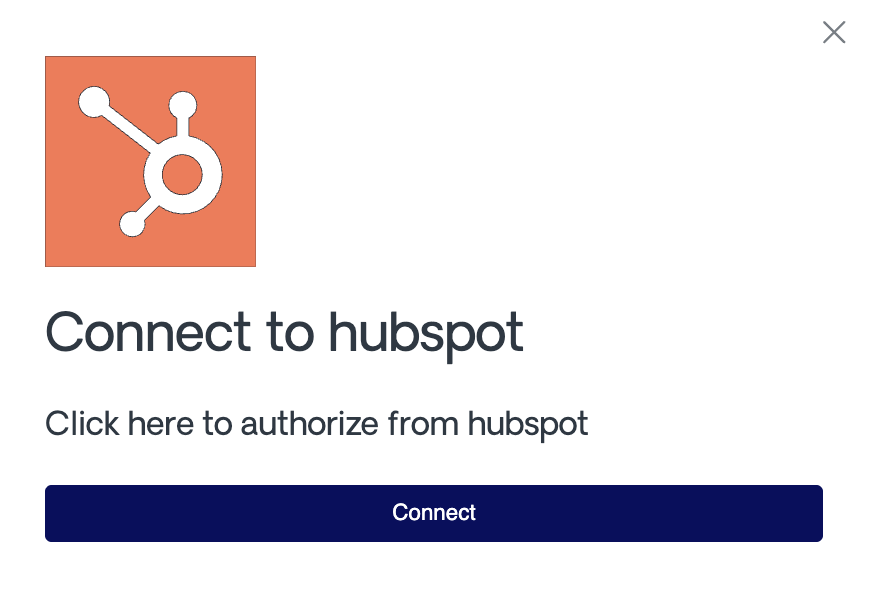 In the connection window, choose the HubSpot account that you want and Authorize the connection.
Configuration
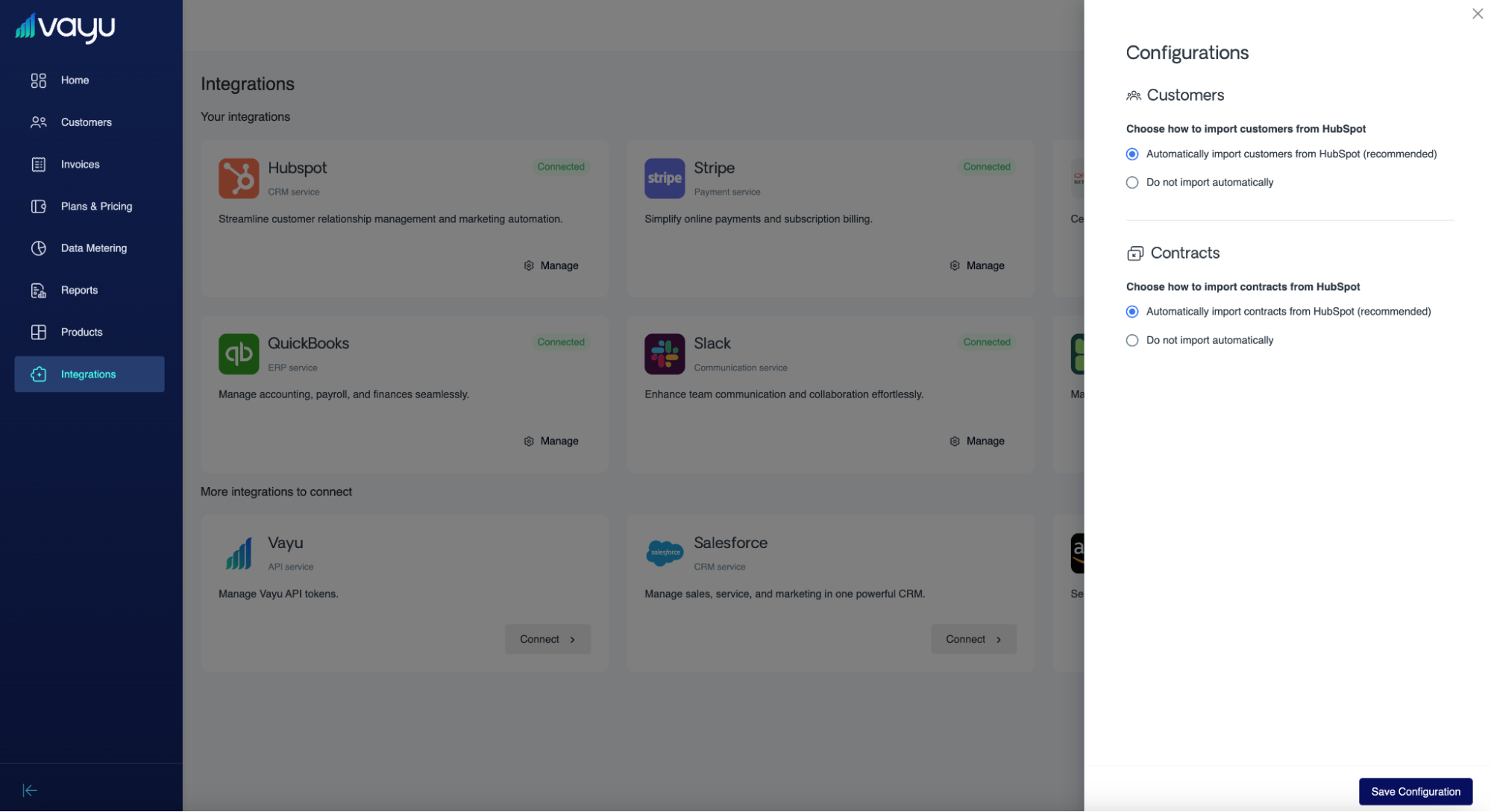 In Vayu, there are two settings in the main integration configuration window to manage.
First, choose whether or not to automatically import customers:
In Vayu, there are two settings in the main integration configuration window to manage.
First, choose whether or not to automatically import customers:
- Automatically import customers from HubSpot (recommended)
- Do not import automatically
Second, choose whether or not to automatically import contracts:
- Automatically import contracts from HubSpot (recommended)
- Do not import automatically
Workflow
Once you have closed a deal in HubSpot, it will automatically be pulled to Vayu as a new contract that is available for review.
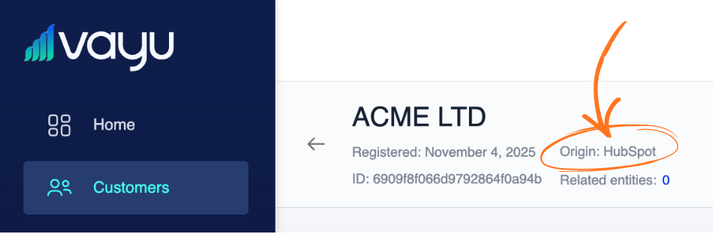
To see this information, go to the individual customer’s profile. Note that you will be able to see the origin of a customer (and if it originates from a HubSpot sync).
Activation Flow
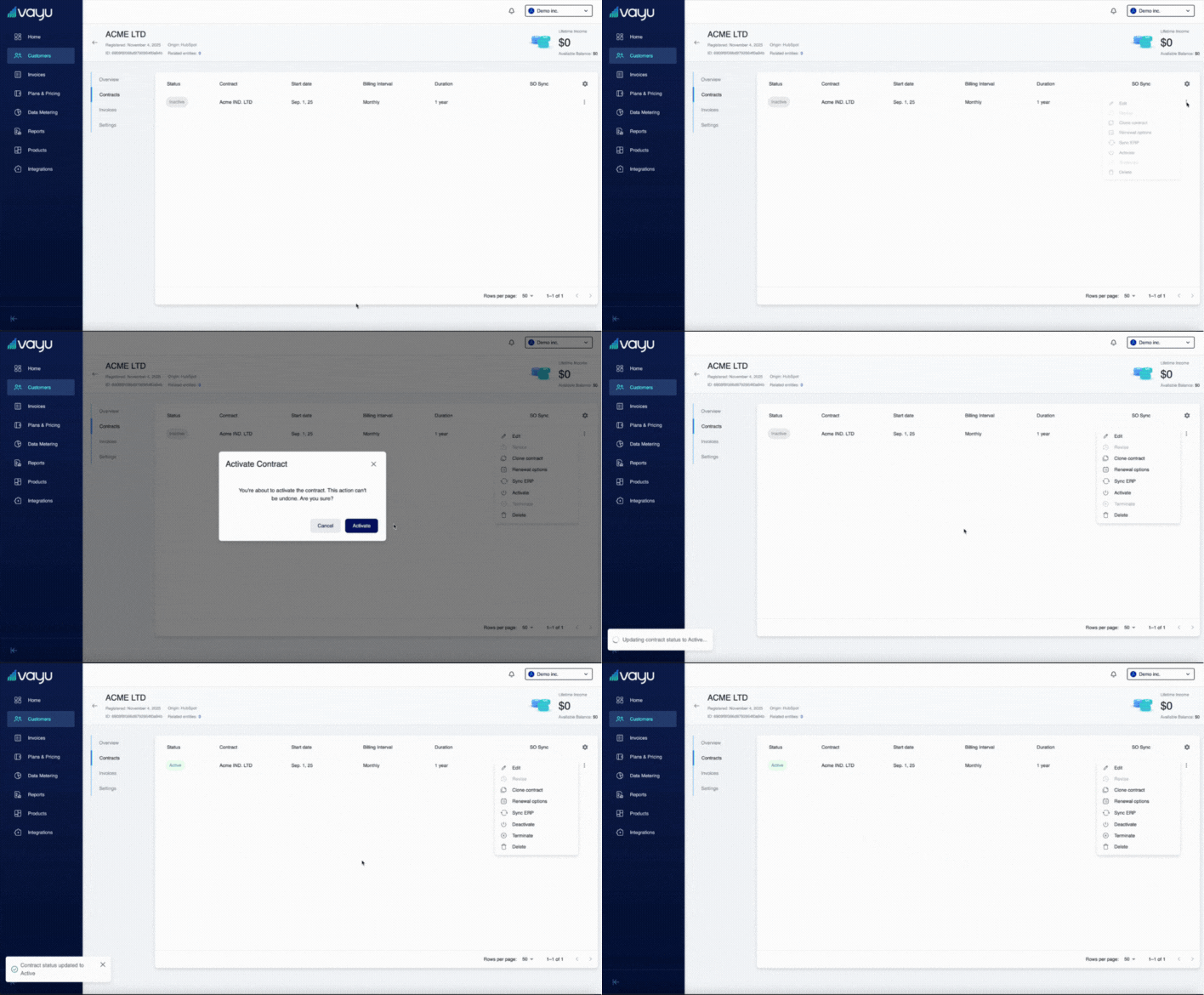
When the contract enters Vayu, it is by default in an inactive state. Once you 1) review and 2) activate the contract, it then creates invoices.
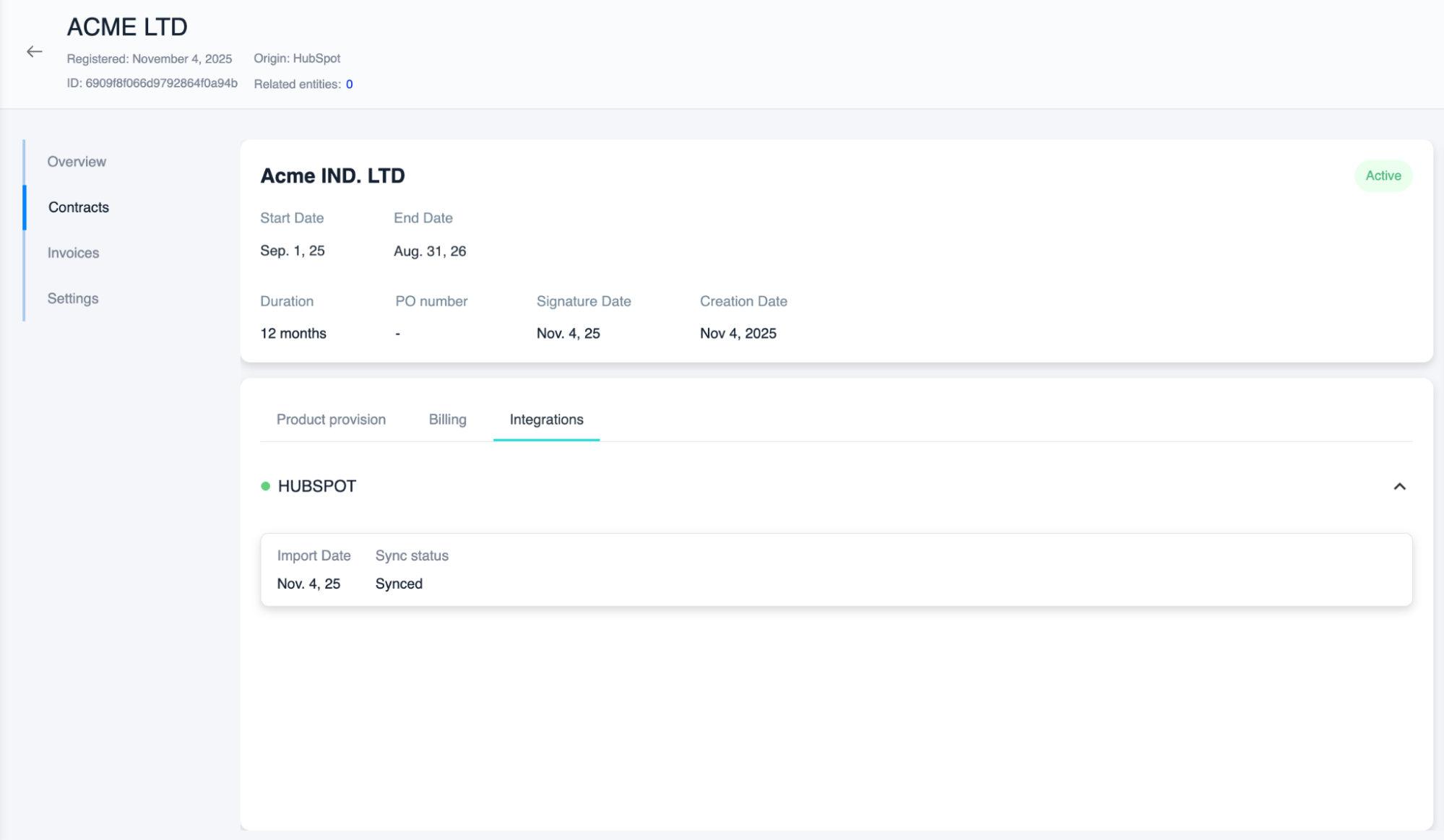
 When you click into the contract itself under Contracts, you can see the Integrations section (next to Billing). This shows everything that happened with the specific integration for this particular contract, plus displays any and all custom fields for that deal.
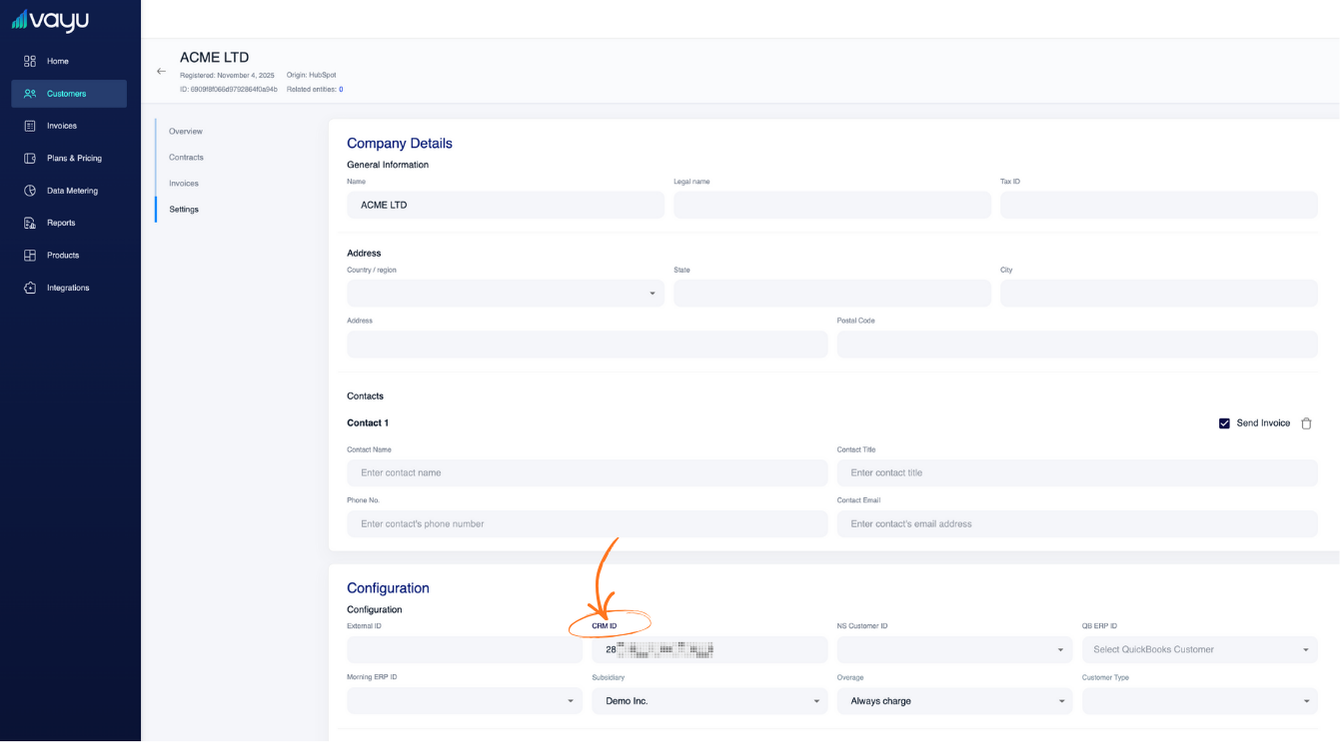
 Under the Settings tab for the Customer, you can also see the **CRM ID **information: